From Sierra model details to air-curtain and refrigeration tests
Each Sierra display requires checks matched to its air path
01 — Confirm the SIERRA setup
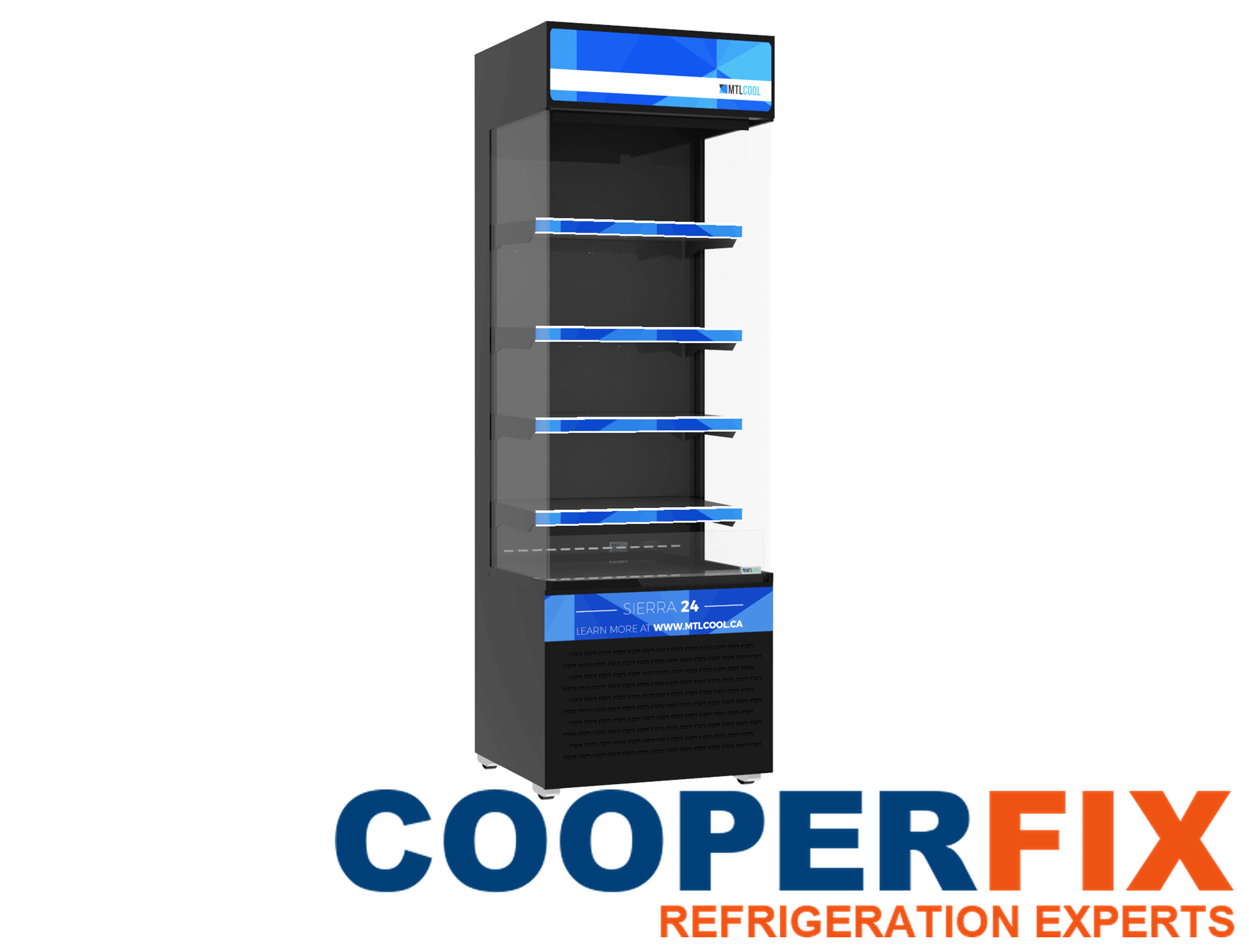
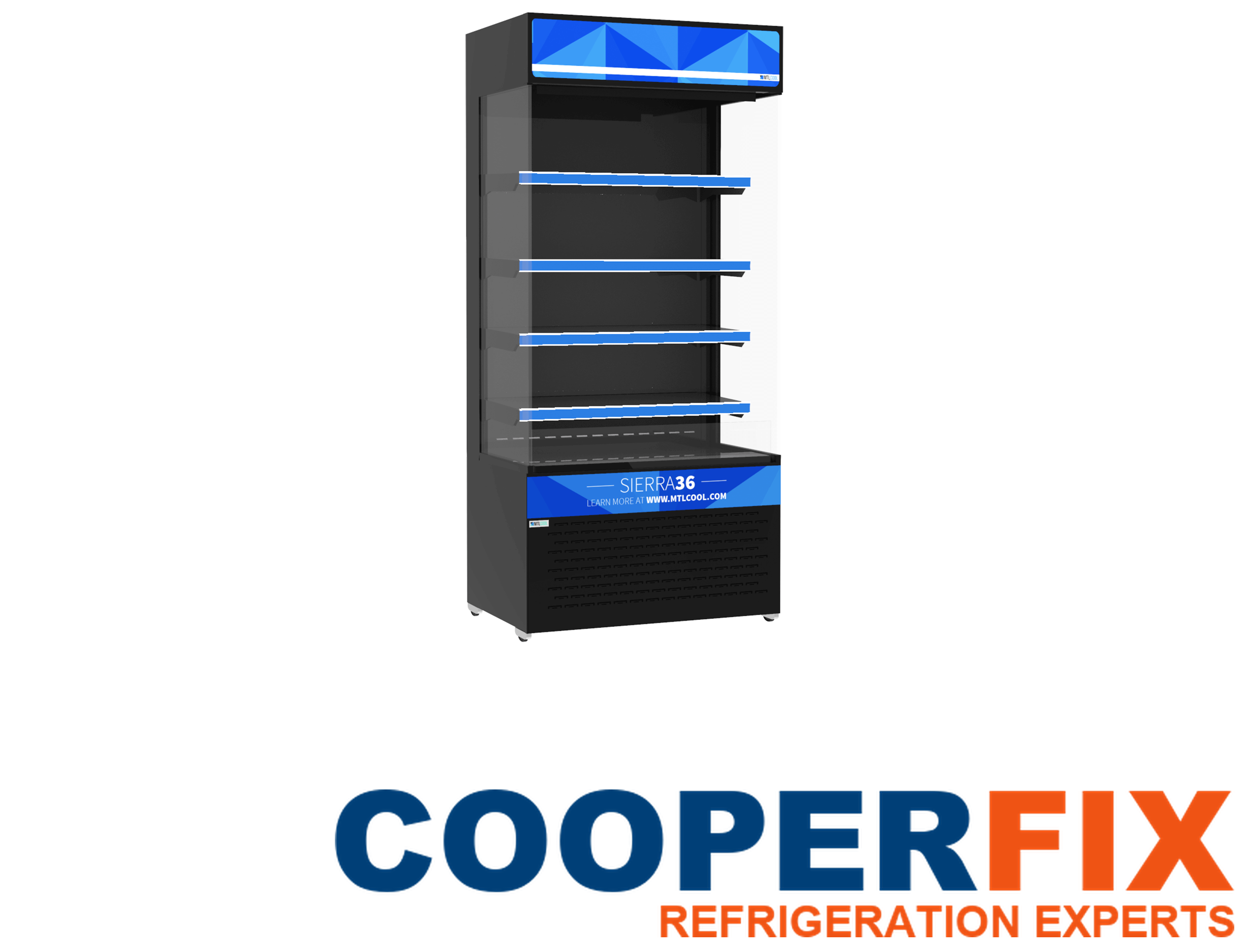
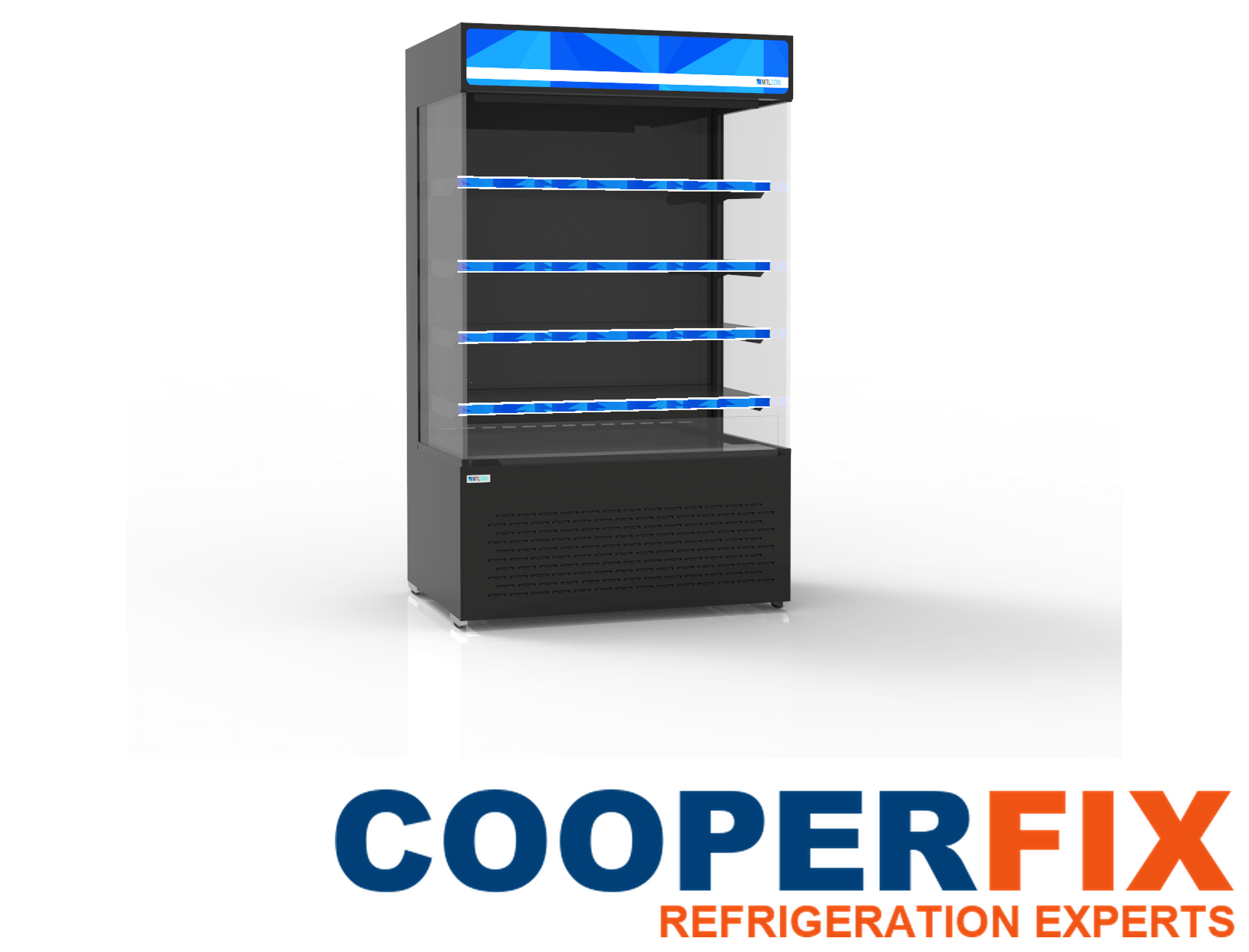
CooperFix notes the full model, serial information when available, cabinet format, temperature duty, refrigerant listed on the installed nameplate, controller arrangement and shelf layout. For SIERRA-48-XL, the installed details identify the exact open-air cabinet and the technical references relevant to that unit.
02 — Map the applicable systems
The technician identifies the discharge and return paths, shelves, fans, coils, controls, sensors, lighting circuits, electrical components, drainage, defrost arrangement and refrigeration components. Features from a different SIERRA model are not assumed.
03 — Measure the reported condition
SIERRA testing follows the confirmed display format. The technician can compare shelf and cabinet temperatures, recovery, discharge and return airflow, fan and coil behaviour, controller signals, defrost, drainage, electrical response, pressures, compressor action and heat rejection. Safe access and the installed air-curtain layout determine the order.
04 — Explain the recommended work
Where a complaint involves only part of the display, the explanation identifies that area rather than describing the whole cabinet as uniformly warm. Where temperatures change through an operating or defrost cycle, the observation includes its timing. After a correction, the relevant shelf or air path is reassessed under stated conditions. If normal trading conditions cannot be reproduced during the visit, the remaining limitation and any useful follow-up are explained. This gives the business a practical account of what changed and what still needs observation.
Every SIERRA recommendation identifies the measured condition and the shelf, air curtain, control, lighting or refrigeration function involved. Current correction, recorded observations, future care and further testing are separated into explicit decisions.